Unitree G1 Remote Controller
Genuine Unitree G1 remote controller — the two-handed joystick remote included with the G1 and G1 EDU, sold standalone as a replacement or spare.
- Unitree G1
- Unitree G1 EDU
About the Unitree G1 Remote Controller
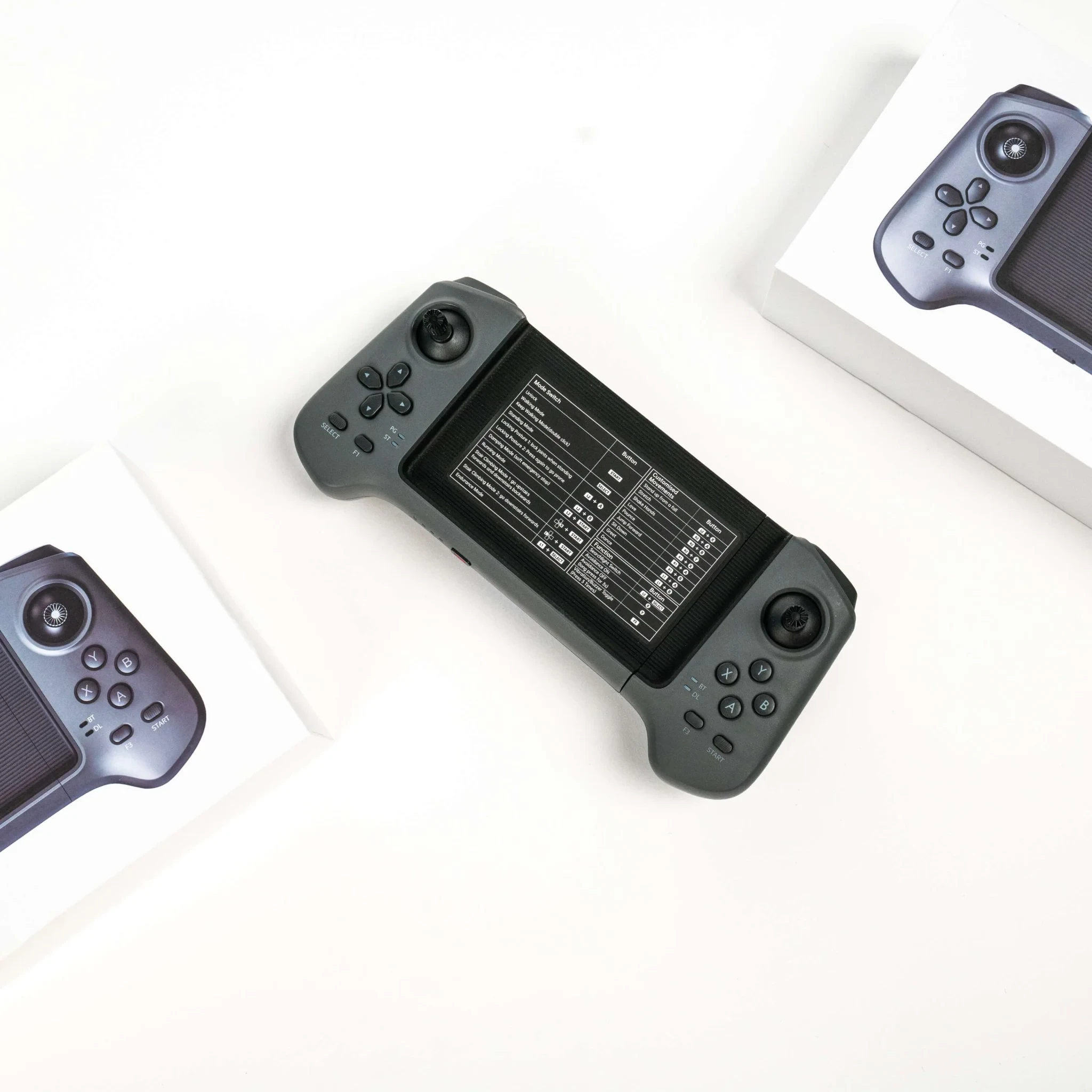
The Unitree G1 remote controller is the two-handed handheld remote for the G1 humanoid — the same controller that ships in the box with every G1 and G1 EDU. Sold standalone, it is the replacement for a lost or damaged remote, and the spare that gives a lab or demo team a second operator station.
One handset runs the whole session: walking, turning and speed changes from the twin joysticks, mode and posture control from the button layout, and an emergency-stop combination within thumb reach. Because the Unitree G1 remote controller is the robot's factory control link, pairing follows the same routine as the remote the robot arrived with.
Two-Handed Layout for Walking the G1
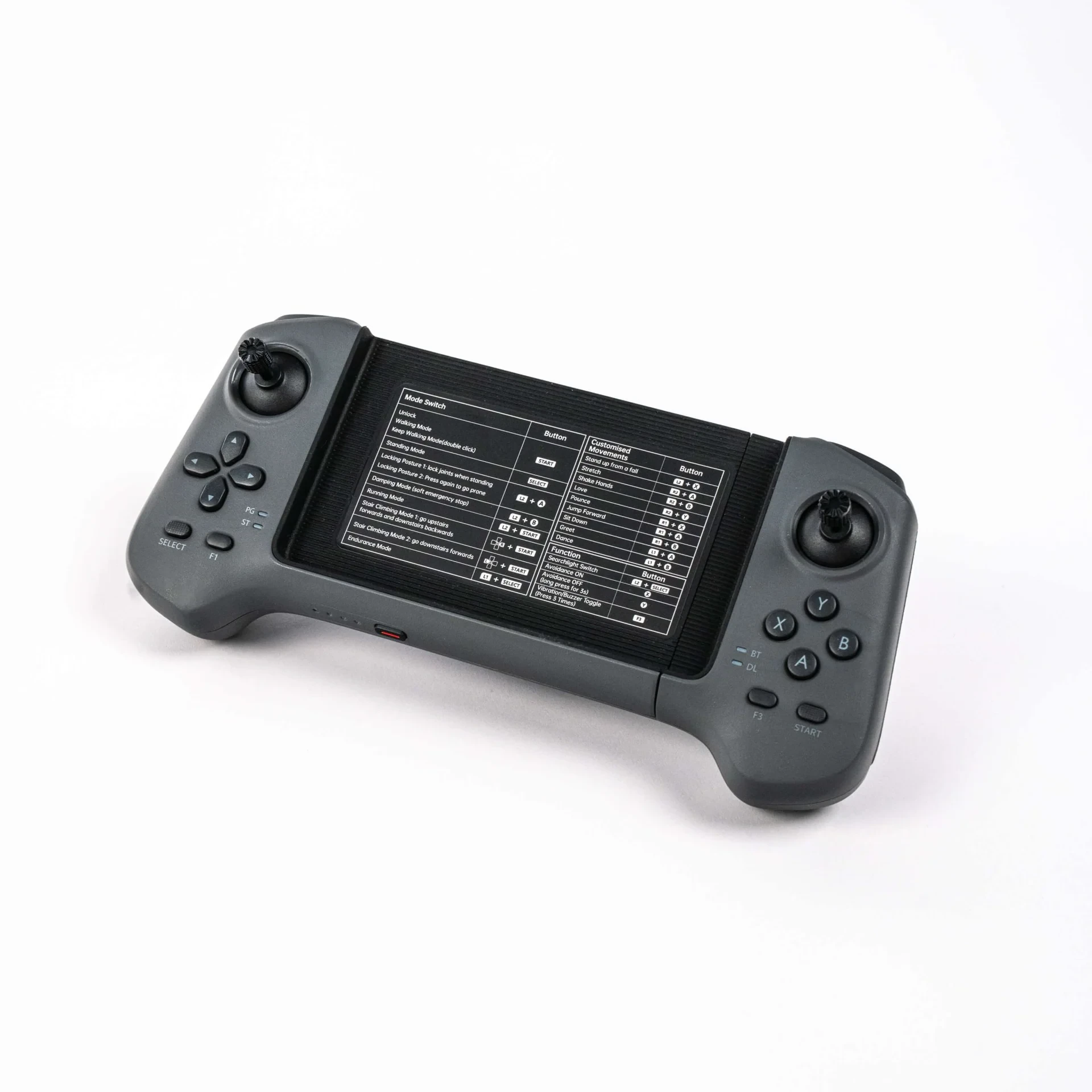
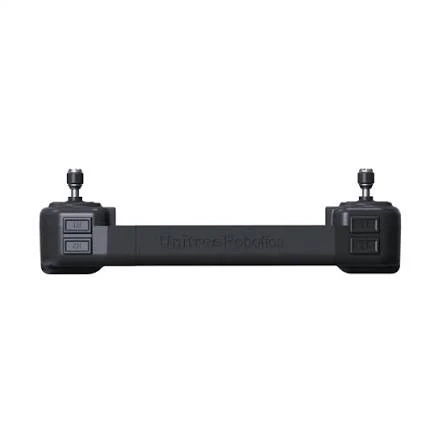
The Unitree G1 remote controller is built around two analog joysticks under the thumbs, so one hand drives direction while the other trims speed and turning — both adjustments at once, which is what smooth walking control on a humanoid actually needs.
Around the sticks sits a familiar gamepad-style layout: shoulder buttons L1/L2 and R1/R2, A/B/X/Y action buttons, a D-pad, F1 and F3 function keys, and SELECT/START for standing and walking states. The soft emergency stop — damping mode — is the L2+A combination: deliberate enough to avoid accidental hits, close enough to reach without looking. And the mode-switch reference table is printed right on the center panel, so walking, running, stair-climbing and customised-movement commands never need a manual mid-session.
The link to the robot runs on a 2.4GHz digital transmission module, with a Bluetooth module alongside it. The data-link indicator on the handset confirms the connection before you walk the robot off the bench.
The Factory Remote for G1 and G1 EDU
Unitree ships this remote controller with both G1 versions — the official G1 configuration lists the manual controller as included with the standard G1 and the G1 EDU alike. There is only one version of the G1 remote, so there is no edition split to cross-check when ordering a replacement.
Buying standalone covers two situations: replacing a lost or damaged remote, and adding a second handset so two operators can share a robot across shifts, classes or demo sessions.
Specifications
| Part number | G1-RCONTROLLER |
| Communication | 2.4GHz digital transmission module + Bluetooth |
| Control range | 100 m+ (open environment) |
| Battery life | ≈4.5 hours continuous operation |
| Charging | DC 5V ⎓ 2A |
| Layout | Dual analog joysticks · L1/L2/R1/R2 · A/B/X/Y · D-pad · F1/F3 · SELECT/START · L2+A damping (soft emergency stop) |
| Fits | Unitree G1 · Unitree G1 EDU |
| In the box | 1 × Unitree G1 Remote Controller (G1-RCONTROLLER) |
Pairing the Remote With Your G1
The replacement remote pairs the same way as the one in the box: the remote control link is set up from the robot's companion app, the handset connects over its digital transmission module, and the data-link indicator confirms the connection is live. No re-flashing or tools are involved.
Shipping & Quality Guarantee
The remote controller ships worldwide by DHL or FedEx in protective packaging; exact transit time is confirmed with your quote.
Every Unitree G1 remote controller is 100% quality-inspected before it ships, so it arrives in perfect working order.
Last updated: September 2026.
Frequently Asked Questions
Can't find what you're looking for? Contact our