Unitree Go2 Self-Charging Board
Unitree Go2 self-charging board (GO2-SCHARGB) — contact charging dock that refills the Go2 battery at 33.6 V / 9 A (302.4 W) without removing it. Autonomous return-to-dock on the Go2 EDU Plus with Mid-360 or XT16 LiDAR; works as a manual dock on other Go2 EDU configurations.
- Unitree Go2 EDU Plus
- Unitree Go2-W
About the Unitree Go2 Self-Charging Board
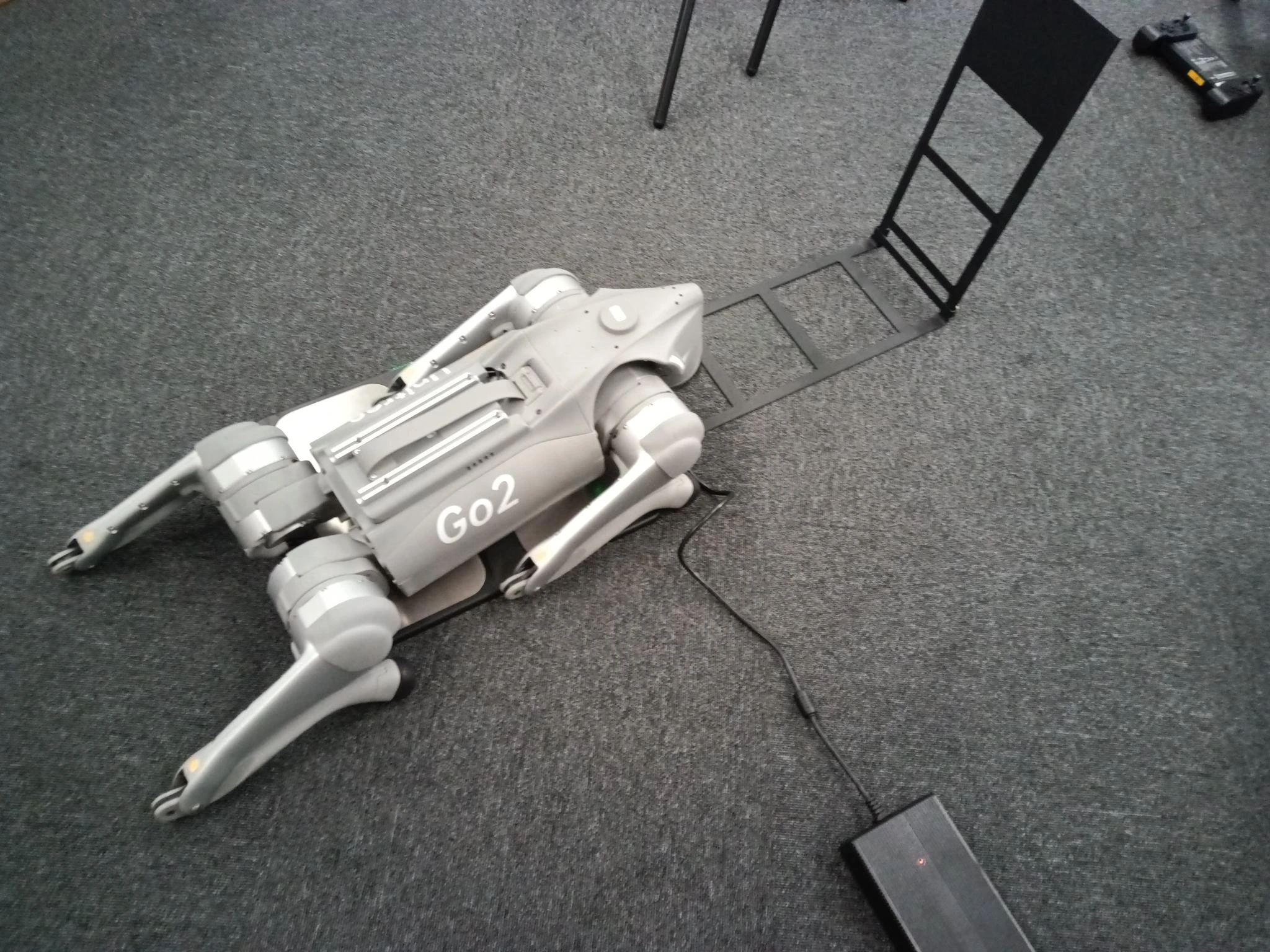
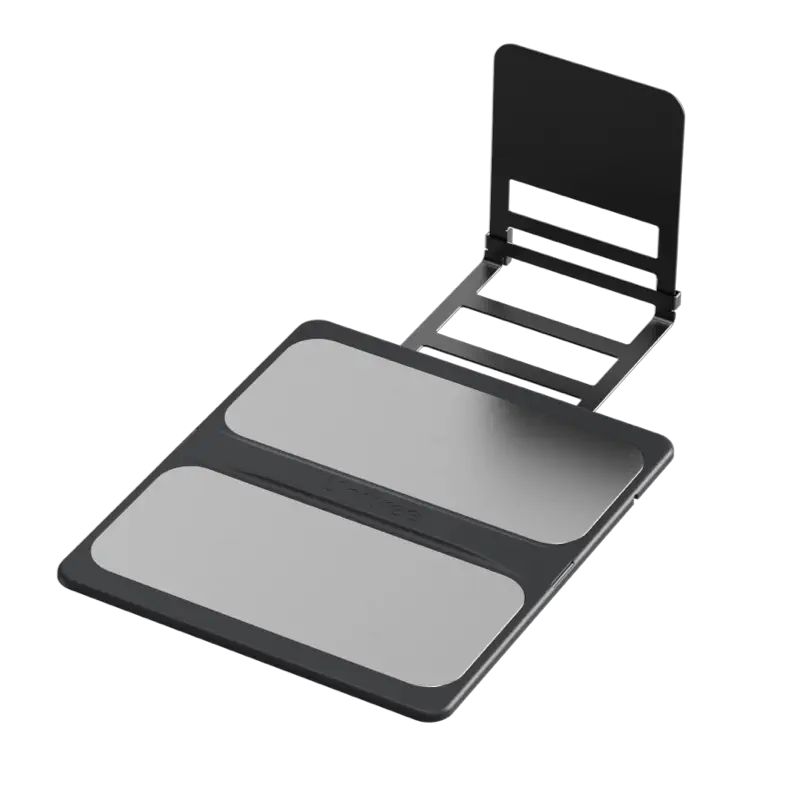
The Unitree Go2 self-charging board is a contact charging dock that refills the robot's battery without removing it: the Go2 walks onto the pad, lies down onto the charging contacts and charges at 33.6 V / 9 A (302.4 W). Sold under part number GO2-SCHARGB, it is the accessory that turns a Go2 EDU Plus into a robot that tops itself up between missions instead of waiting for a human with a spare battery.
Autonomous return-to-dock is a function of the robot, not just the board. Full self-charging — the Go2 navigating back to the pad and lying down on its own when the battery runs low — requires a Go2 EDU Plus equipped with a Mid-360 or Hesai XT16 LiDAR and the return-to-dock behavior configured in software. On other Go2 EDU configurations the same board still works as a manual dock: walk the robot onto the pad and it charges while it lies there.
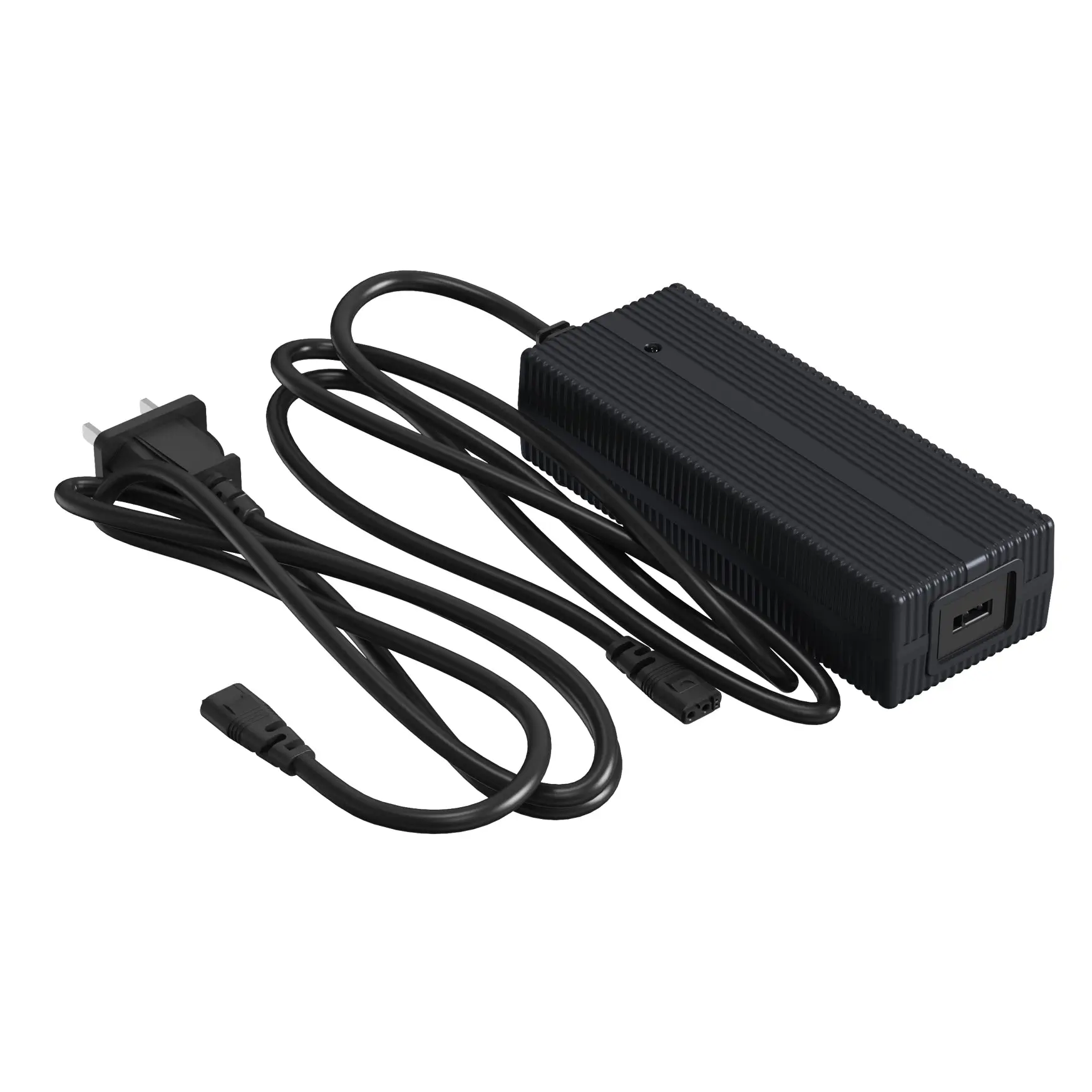
Charging runs at the same 9 A rate as Unitree's fast plug-in charger, so a standard BT2-05 pack (8000 mAh) refills in about 0.8 hours and a long-range BT2-06 pack (15000 mAh) in about 1.5 hours, with the battery's own BMS managing balancing and temperature throughout the cycle. For patrols, labs and classrooms that need the robot back on its feet with minimal hands-on time, the self-charging board is the unattended end of the Go2 charging lineup.
How Does the Go2 Self-Charging Board Charge the Robot?
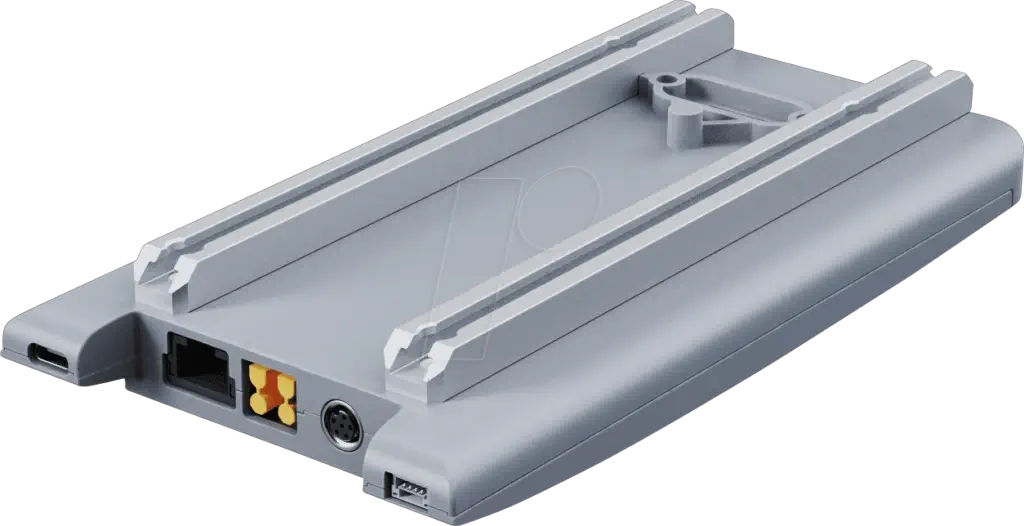
The self-charging board replaces the wall adapter with a pad. Charging contacts on the board line up with contacts on the robot's underside when the Go2 lies down, and current flows at 33.6 V / 9 A — 302.4 W, the fast-charge rate — with no battery removal and no cable to plug in. The battery's own BMS manages cell balancing and temperature from the first minute to the end of the cycle.
Because the connection is physical contact rather than a socket, docking is tolerant: the robot only needs to lie on the pad reasonably square, which is what makes both autonomous and manual docking practical.
Autonomous Docking vs Manual Docking: What Your Go2 Needs
The board is identical in both scenarios — what changes is whether the robot can find its own way back to it. That ability lives in the robot's LiDAR and software, not in the pad.
| Autonomous docking | Manual docking | |
|---|---|---|
| Required setup | Go2 EDU Plus with Mid-360 or XT16 LiDAR, return-to-dock configured | Any Go2 EDU with the board placed in its workspace |
| How charging starts | Robot navigates back and lies down on the pad by itself when the battery runs low | You walk the robot onto the pad and it charges while lying on the contacts |
| Best suited for | Unattended patrols, 24/7 labs, long-duration test runs | Classrooms and teams that park the robot by hand between sessions |
Self-Charging Board vs Plug-In Go2 Charger
Both charge at up to 9 A; the difference is who carries the battery to the power.
| Self-charging board | Plug-in charger | |
|---|---|---|
| Charging style | Contact dock — the robot lies on the pad, no battery removal | Wall adapter — battery charged in or out of the robot |
| Hands-on time | None after setup (autonomous) or one walk to the pad (manual) | Manual plug-in every charging cycle |
| Price class | $1k-class unattended docking accessory | $85–$169 everyday adapter |
| Choose it if | The robot must run unattended between shifts | You charge by hand between sessions |
Not the Go2 Docking Station (Compute Module)
Unitree's ecosystem includes another accessory called the Go2 docking station — that one is an AI computing module (NVIDIA Jetson Orin) that adds GPU power and ports to the robot; it does not charge the battery. The Unitree Go2 self-charging board on this page is the charger. If you arrived from a 'docking station' listing, check which of the two products you actually need before ordering.
Which Go2 Does the Self-Charging Board Fit?
The board is made for the Unitree Go2 EDU line. Full autonomy requires the Go2 EDU Plus with a Mid-360 or XT16 LiDAR — the sensors the robot uses to find the pad — plus the return-to-dock behavior configured in software. Other Go2 EDU configurations can still charge on the board as a manual dock: place the pad on a level, hard floor in the robot's workspace and walk the Go2 onto it.
The wheeled Go2-W uses the same board. The autonomy rule carries over: fully autonomous return-to-dock needs a Mid-360 or XT16 LiDAR on the robot to find the pad, and without one the board still works as a manual charging dock.
- Autonomous charging: Unitree Go2 EDU Plus with Mid-360 or XT16 LiDAR
- Manual dock charging: other Unitree Go2 EDU configurations
- Also fits: Go2-W
Specifications
| Standard | |
|---|---|
| SKU | GO2-SCHARGB |
| Charging output | 33.6 V ⎓ 9A · 302.4 W |
| Charge time — BT2-05 (8000 mAh) | ≈ 0.8 h |
| Charge time — BT2-06 (15000 mAh) | ≈ 1.5 h |
| Charging method | Contact dock — no battery removal |
| Autonomous docking | Go2 EDU Plus with Mid-360 or XT16 LiDAR |
| Operating temperature | 5–40 °C |
| Humidity | ≤ 95% RH |
| In the box | 1 × Unitree Go2 Self-Charging Board (GO2-SCHARGB) |
Shipping & Care
The Unitree Go2 self-charging board ships as a heavier, well-padded parcel by express courier. Every unit is 100% quality-inspected before it ships, so it arrives in perfect working order. Place the board on a level, hard floor, keep the contact surface clean and dry, and leave the approach area clear so the robot can lie down squarely on the pad.
Last updated: September 2026.
Frequently Asked Questions
Can't find what you're looking for? Contact our