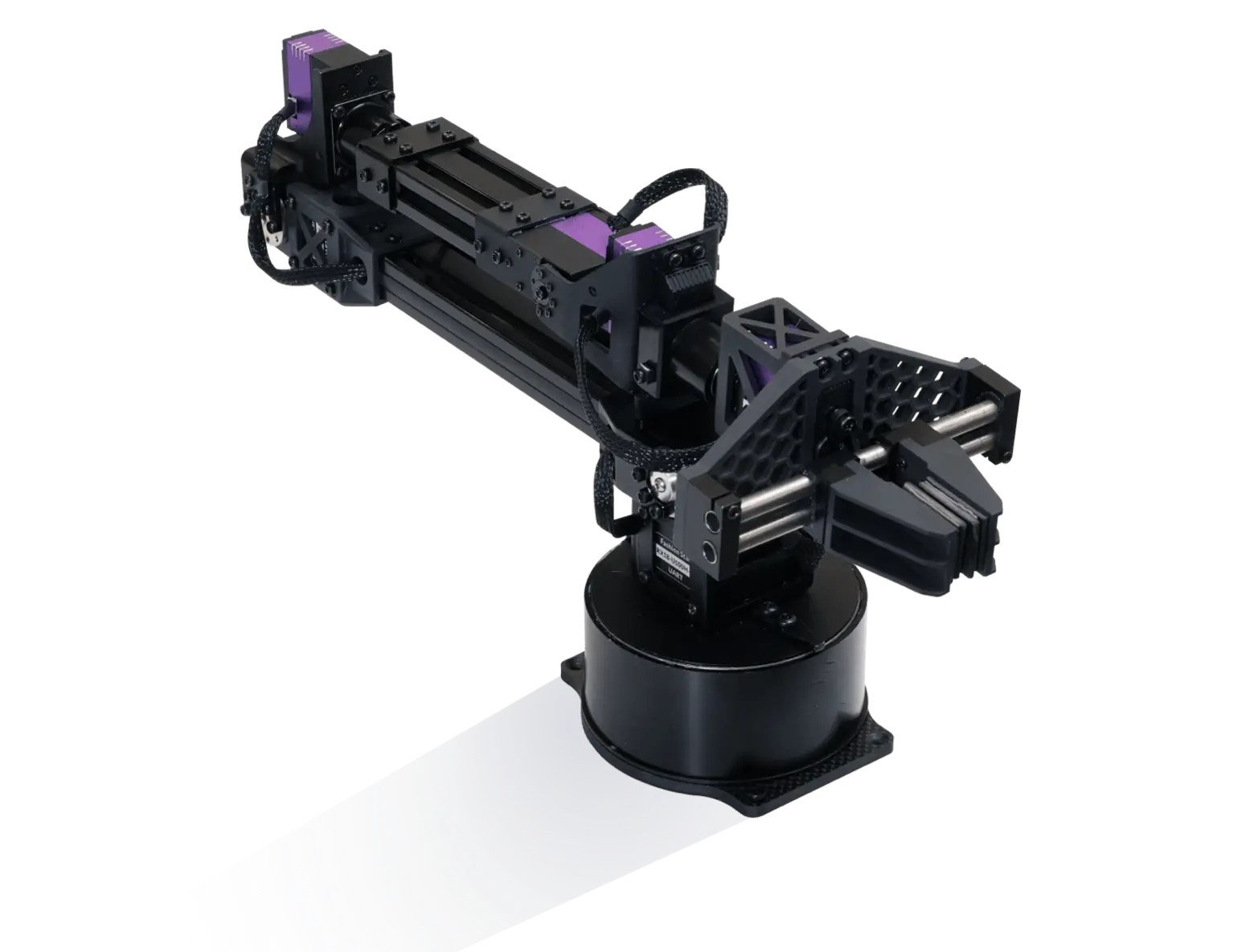
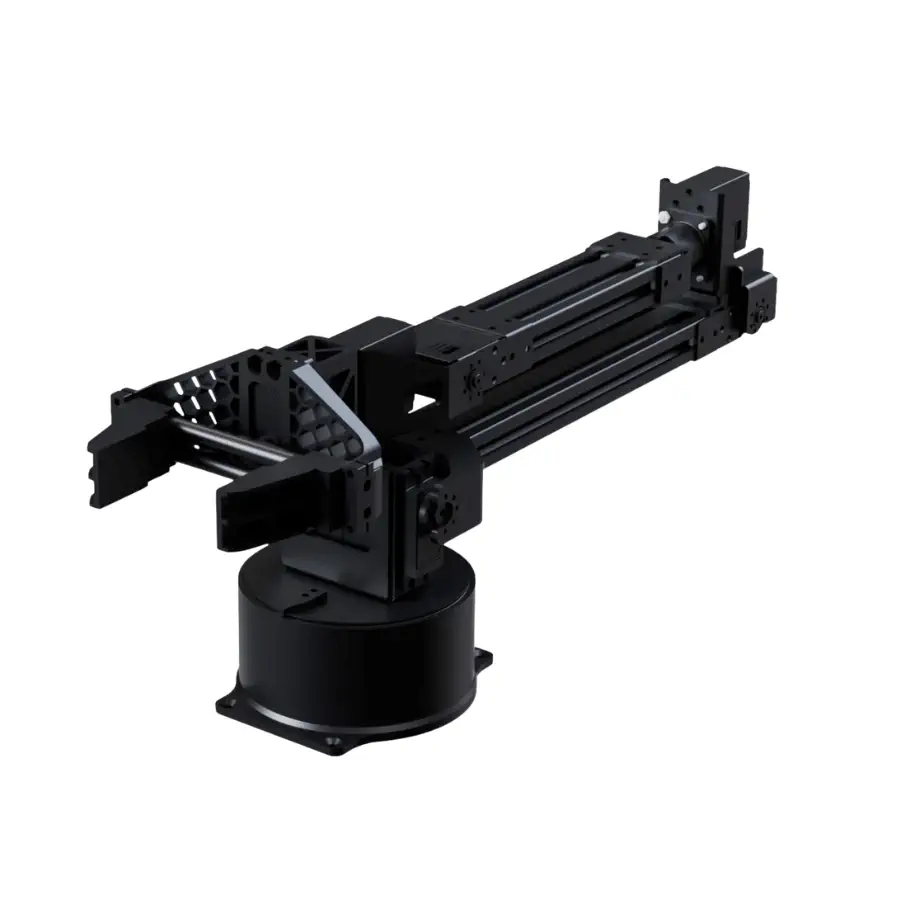
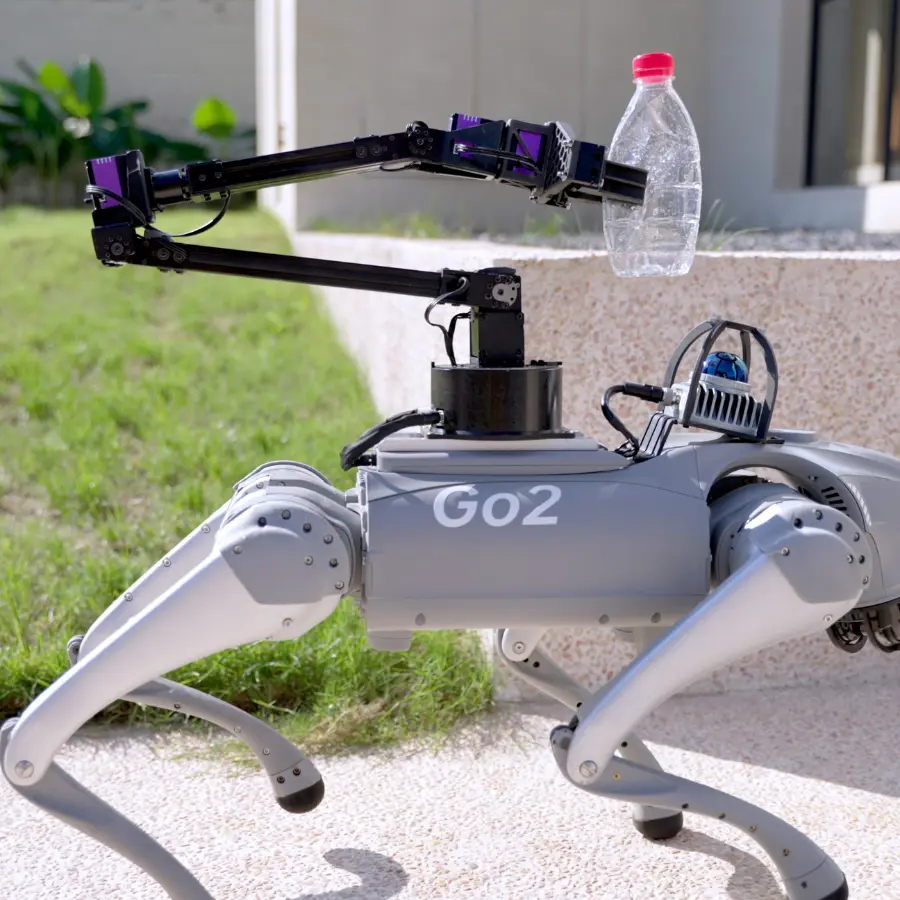
Unitree Go2 Servo Robotic Arm D1
Unitree Go2 servo robotic arm D1 — the official 6-DOF force-controlled arm with parallel gripper that turns the Go2 quadruped into a mobile manipulator. Bus-servo joints, Ethernet control, ROS-friendly. Fits Go2 EDU / EDU Plus.
- Unitree Go2 EDU
- Unitree Go2 EDU Plus
- Unitree Go2-W
About the Unitree Go2 Servo Robotic Arm D1
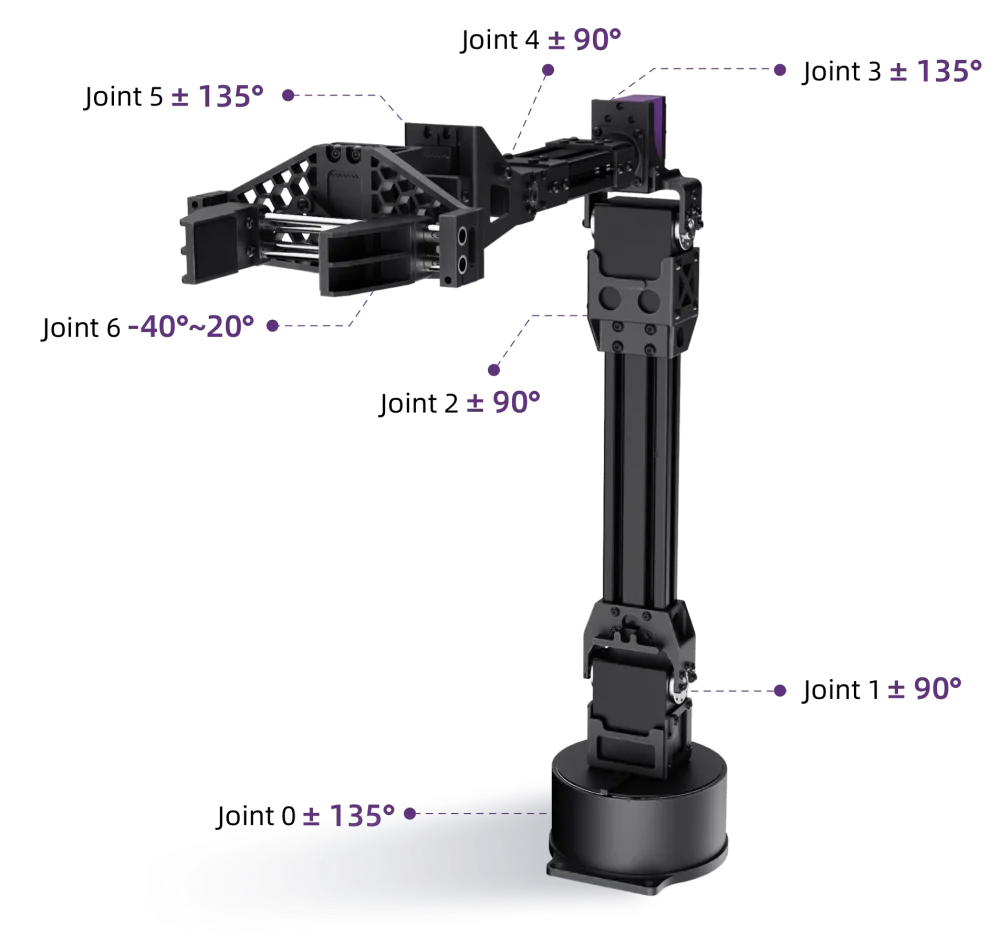
The Unitree Go2 servo robotic arm D1 is a 6-DOF force-controlled manipulator built to turn the Go2 quadruped into a mobile manipulation platform. A parallel-jaw gripper rides on the sixth axis, and the whole arm — frame, servos and wiring — is an aluminum-alloy assembly light enough to ride on the robot instead of a bench.
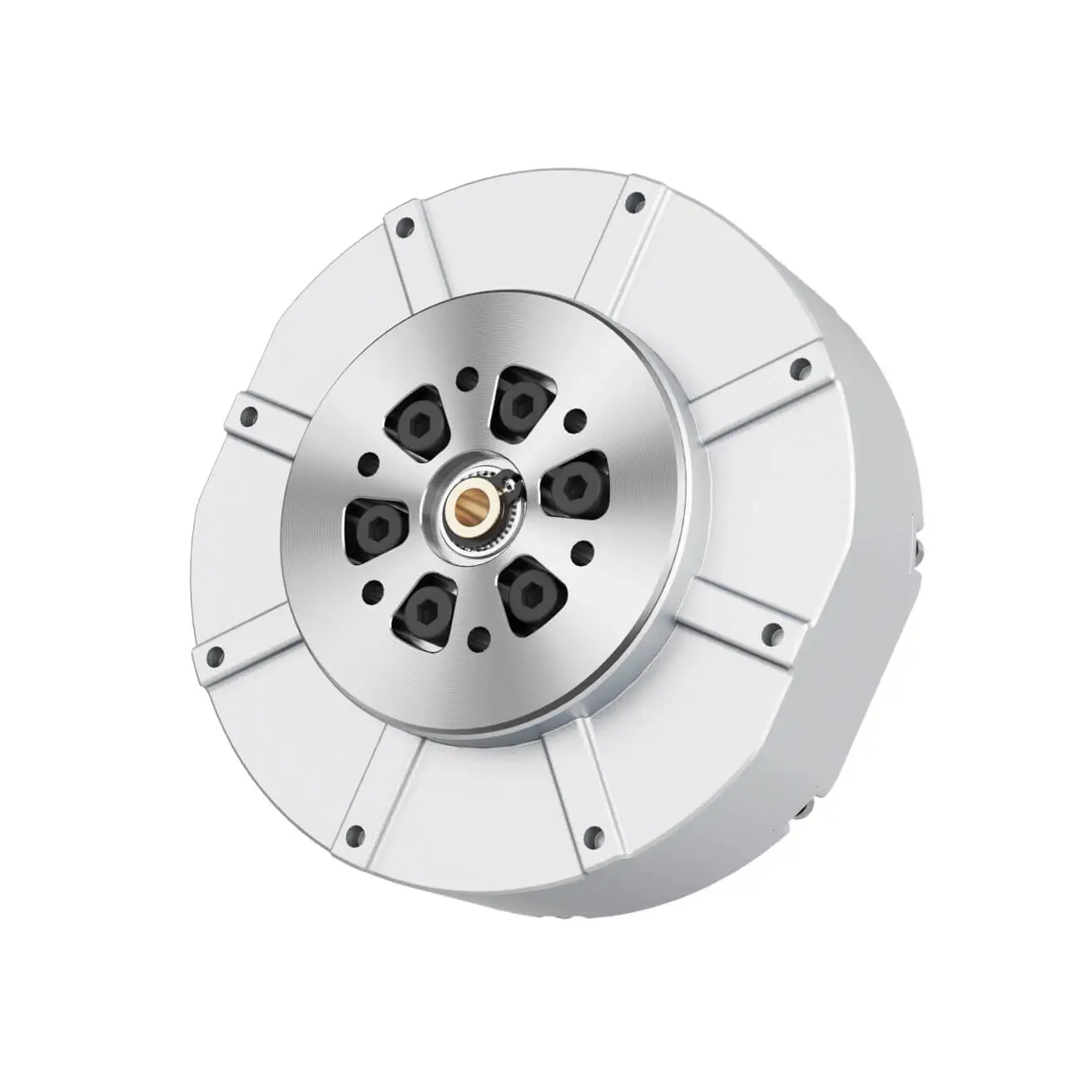
Each joint of the Unitree Go2 servo robotic arm D1 is a bus servo with position, velocity and force control. Unitree documents a dual-level control architecture: low-level commands drive individual motors, while a high-level interface issues whole-arm behaviors, so the arm can be programmed as a robot rather than as six motors.
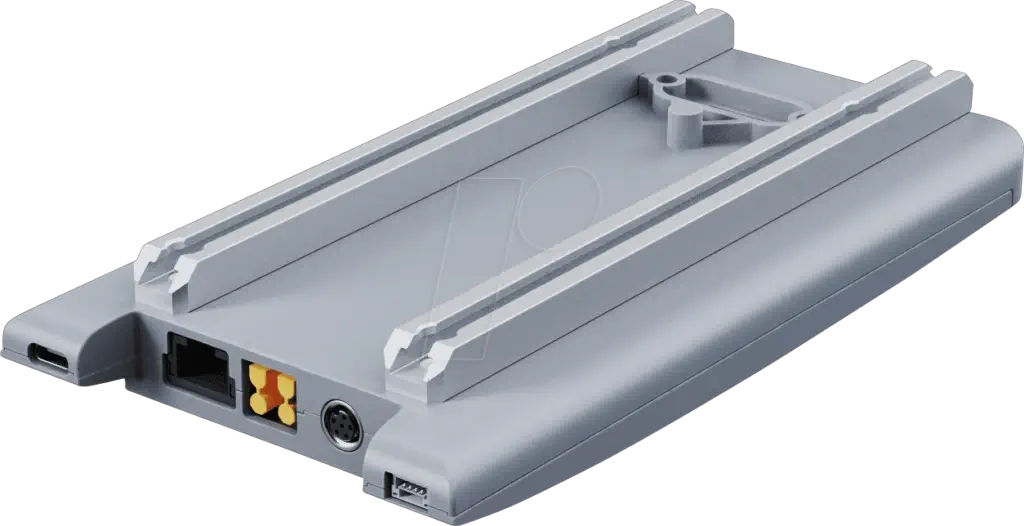
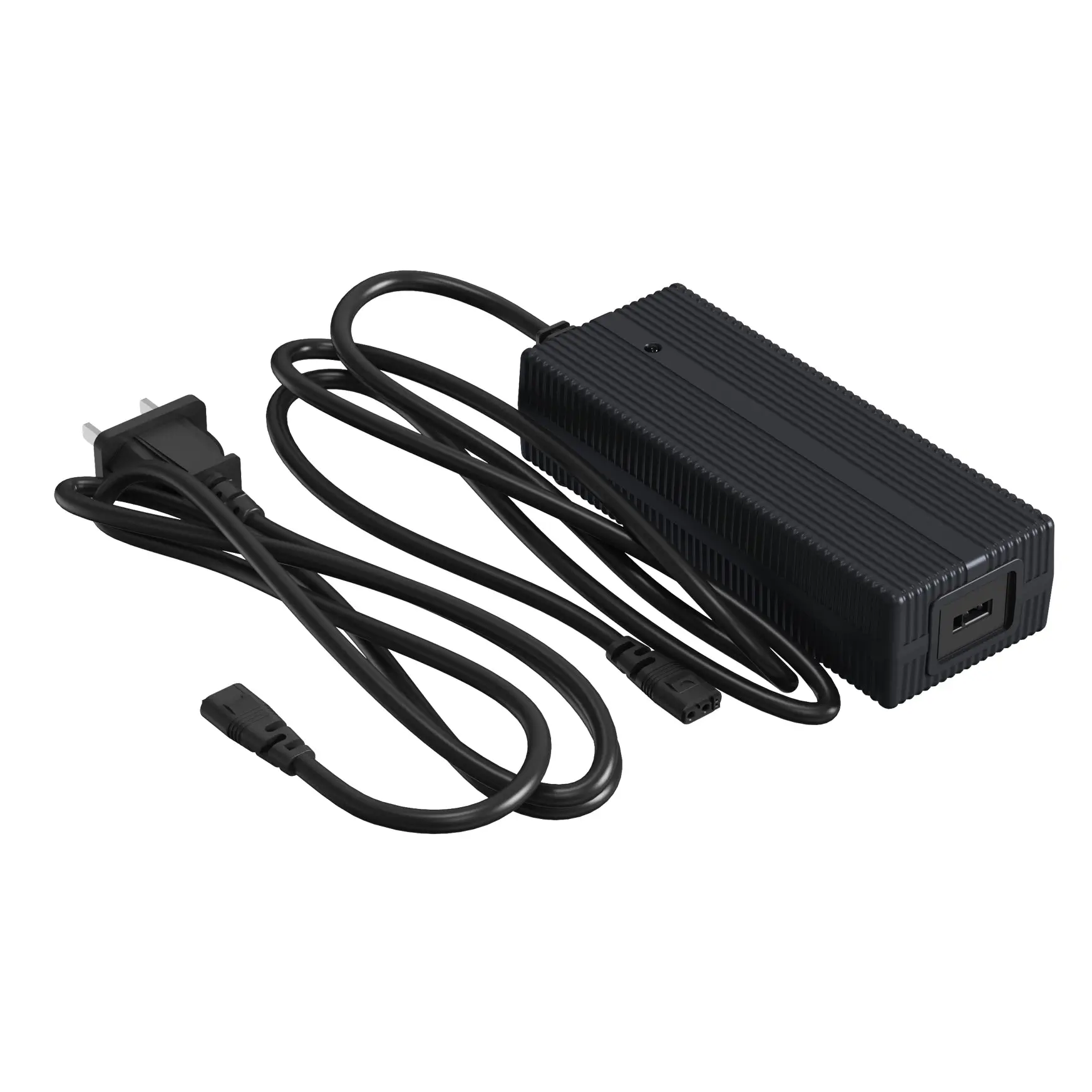
The arm talks to the Go2 over a standard RJ45 Ethernet link, with a USB-C port for serial debugging. Because it draws its own 24 V feed through a DC barrel connector, the Unitree Go2 servo robotic arm D1 keeps its power and control wiring separate from the robot's payload ports — a tidy integration for labs running ROS-based autonomy stacks.
One Research Arm, Not the D1-T Kit
This page covers the single D1 arm for the Go2. Unitree also sells the D1-T — a teleoperation kit with two or four arms aimed at imitation-learning data collection. Same arm family, different product: if you are building a data-collection rig, look at the D1-T; if you want one manipulator on your Go2, this is the right page.
What Can the Unitree Go2 Servo Robotic Arm D1 Actually Manipulate?
The Unitree Go2 servo robotic arm D1 is built for light grasping. Unitree's listed payload is an ideal working load of 500 g — a water bottle, a handheld tool, a sample tube — and the parallel gripper closes around objects rather than relying on suction or magnets. For pick-and-place, fetch-and-carry and inspection tasks this is enough; it is not a load-bearing industrial arm.
Two practical numbers frame what the arm means on a robot. The arm itself weighs about 2.37 kg, which counts against the Go2's carried payload; and its reach, roughly half a metre plus the gripper, sets how far from the robot's spine a target can sit. Labs mount it on the robot's back plate and plan grasps within that radius.
Position, Velocity and Force Control Over Ethernet
Every joint of the Unitree Go2 servo robotic arm D1 is a bus servo, and Unitree documents three control modes — position, velocity and force — behind a dual-level interface. The low level sends raw commands to individual motors; the high level issues whole-arm behaviors. A developer can start at the high level and drop to motor commands when an experiment needs it.
Control traffic runs over a standard RJ45 Ethernet link, so the arm drops into a ROS-based workflow the way any networked device would. A USB-C port is reserved for serial debugging. Power is a separate 24 V feed through a DC barrel connector, which keeps the arm's current draw off the robot's payload connectors.
Which Robots Does the Unitree Go2 Servo Robotic Arm D1 Fit?
The Unitree Go2 servo robotic arm D1 is made for the Go2 EDU and Go2 EDU Plus, the variants whose expansion options the arm is wired for. The wheeled Go2-W takes the same arm.
- Fits: Unitree Go2 EDU and Go2 EDU Plus
- Also fits: Go2-W
- Go2 Air / Pro: ask us to confirm fit for your robot before ordering
Specifications
| Degrees of freedom | 6 + 1 gripper |
| Weight | ≈ 2.37 kg |
| Payload | 500 g (ideal working load) |
| Reach | ≈ 495–550 mm (≈ 620–670 mm with gripper; minor variation possible with structural updates) |
| Joint range | J1/J4/J6 ±135°, J2/J3/J5 ±90° |
| Power | 60 W — 24 V, 2.5 A (max 5 A) |
| Power interface | DC 5.5 × 2.1 |
| Communication | RJ45 (Ethernet) + USB-C (serial debug) |
| Motor type | Bus servo |
| Control | Position / velocity / force; dual-level motor & behavior interface |
Joint Ranges and Working Space
The six joints of the Unitree Go2 servo robotic arm D1 alternate wide and narrow travel: J1, J4 and J6 swing ±135°, while J2, J3 and J5 move ±90°. The diagram labels the range of every joint. In practice the wide base and wrist yaw give the arm a generous sweep around the robot, while the ±90° middle joints keep the elbow and forearm inside a predictable cylinder — useful when planning grasps near the Go2's legs.
Shipping & Care
The Unitree Go2 servo robotic arm D1 ships as a 2.4 kg precision aluminum assembly — padded express courier is the norm for this class of hardware. Keep the joint stops free during unboxing, support the arm by its base plate rather than the forearm, and leave the connector caps on the RJ45 and power sockets until installation. Check the included leads against your controller's pinout before first power-up — if anything is unclear, ask us and we will confirm the cable set for your setup.
Last updated: September 2026.
Frequently Asked Questions
Can't find what you're looking for? Contact our